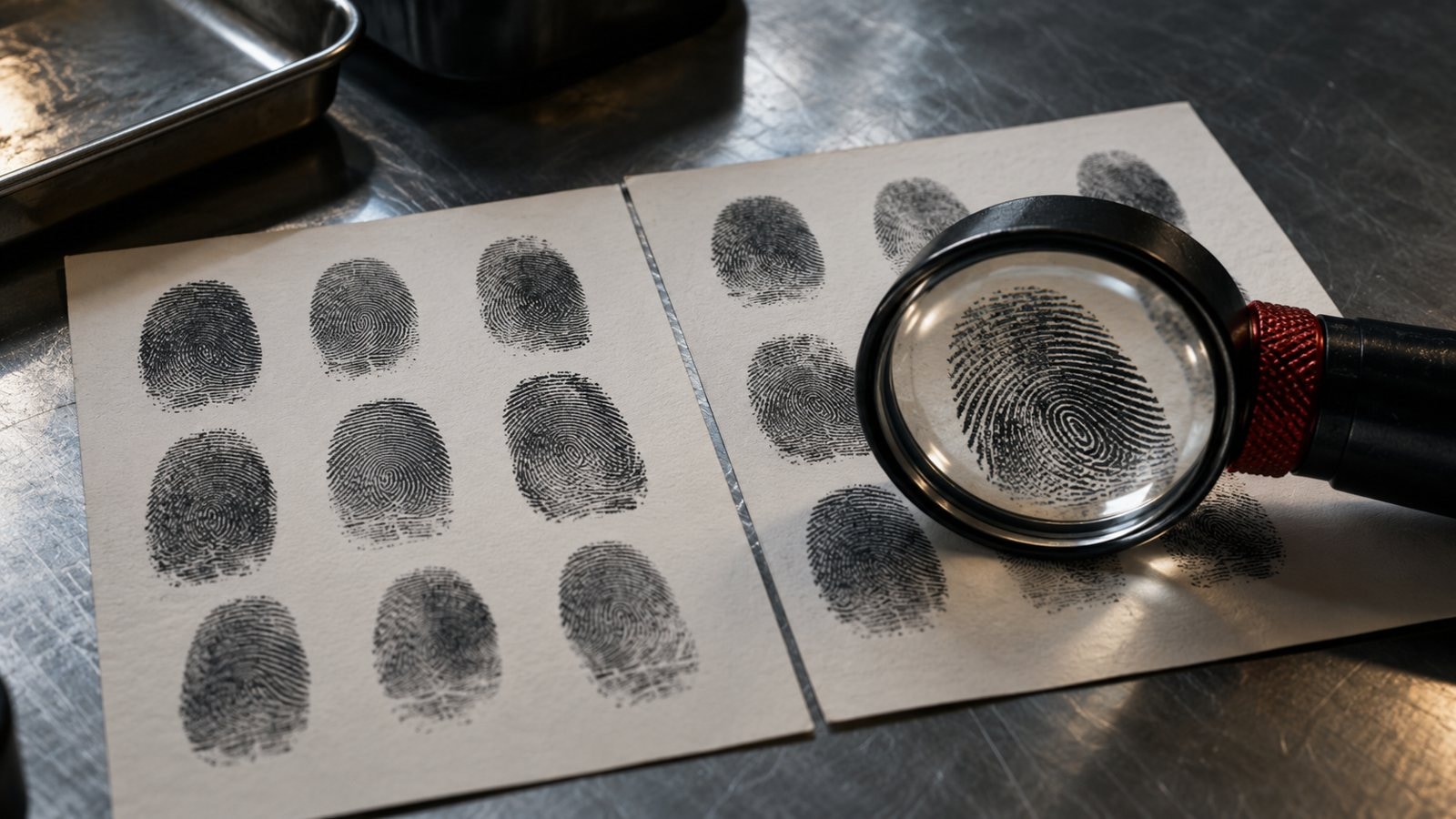
A hash value is a data fingerprint that represents the contents of a file or document as a fixed-length value. Changing even one character changes the value (KCBCA Signals p.13). It is used to check whether a downloaded file matches the official release, reviewed code is actually running in production, or a report has changed since publication.
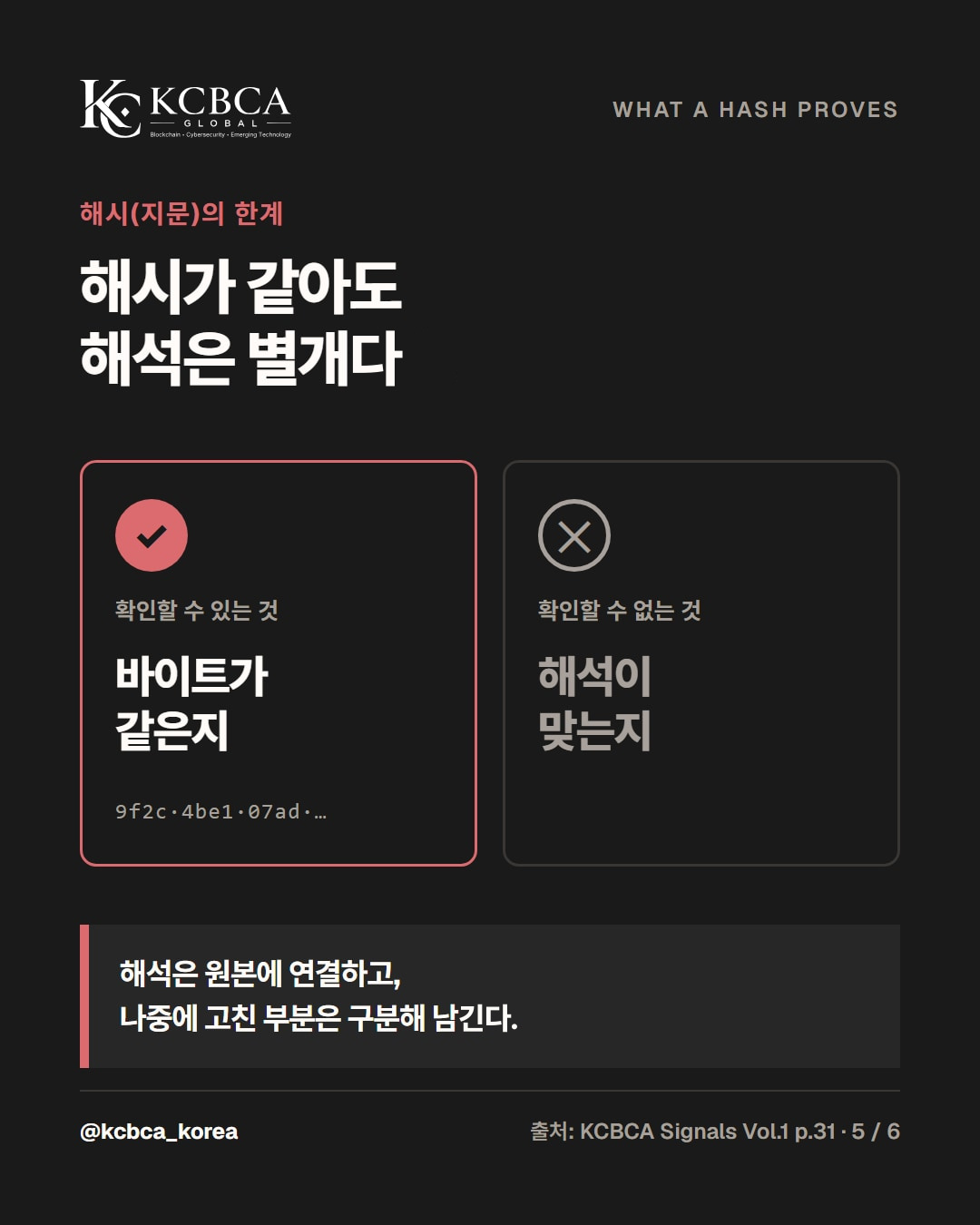
A hash value establishes only that the bytes match. Whether a document is true, its interpretation is correct, or who created it must be checked separately (p.14, p.31). This article explains how to compare values using built-in operating system commands and the limitations that remain after checking.
What a hash value means: one changed character changes the fingerprint
A hash function converts a document into a unique, fixed-length value. Even a very small change in the document changes the value (p.13).
Conversely, changing only the file name or extension leaves the contents, and therefore the value, unchanged (Microsoft Learn). The following SHA-256 values come from two sentences differing by one character.
One character apart, completely different values “송금 승인 금액: 100만 원” (approved transfer amount: KRW 1 million) → 04b50f7c2d08d547… “송금 승인 금액: 900만 원” (approved transfer amount: KRW 9 million) → 83566d6fbe9d68d1…
MD5 and SHA-1 are now considered unsafe against attacks. Use SHA-256 or stronger to check for tampering (Microsoft Learn).
How to check a hash value with built-in commands
| Environment | Command to enter | Note |
|---|---|---|
| Windows PowerShell | Get-FileHash file_path | SHA-256 by default |
| Windows Command Prompt | certutil -hashfile file_path SHA256 | Specify the algorithm |
| macOS Terminal | shasum -a 256 file_path | Be sure to enter -a 256 |
Compare the entire resulting value with the value the distributor publishes through its official channel. Uppercase and lowercase letters represent the same value. If even one character differs, the file differs from the official release: download it again without running it.
Deployment verification: old code behind a success indicator
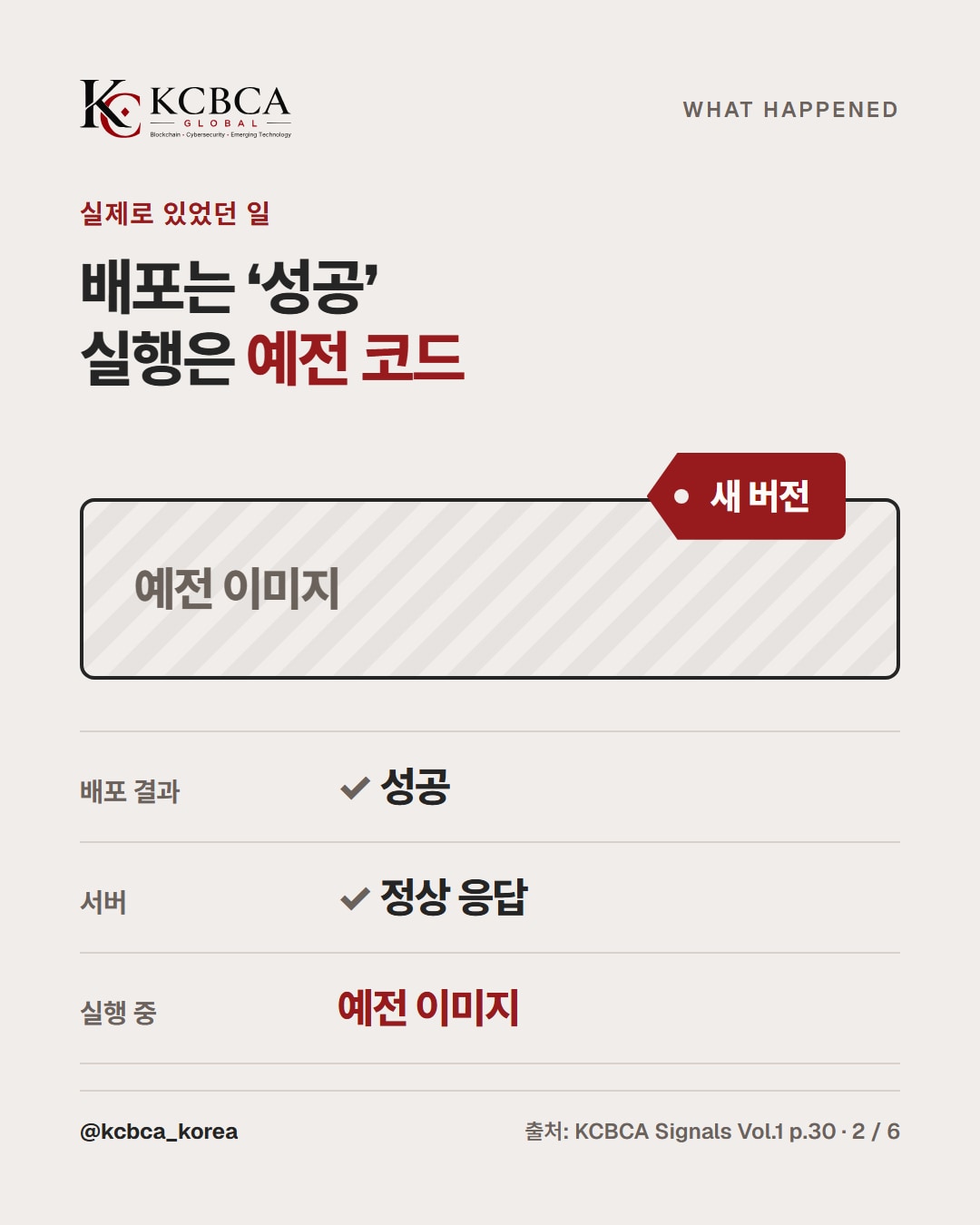
This is a real case published in KCBCA Signals. A deployment showed success, but the service was running old code.
An old software image had received a new version tag, and the server responded normally. Whether the reviewed code was actually being served remained unverified (p.30).
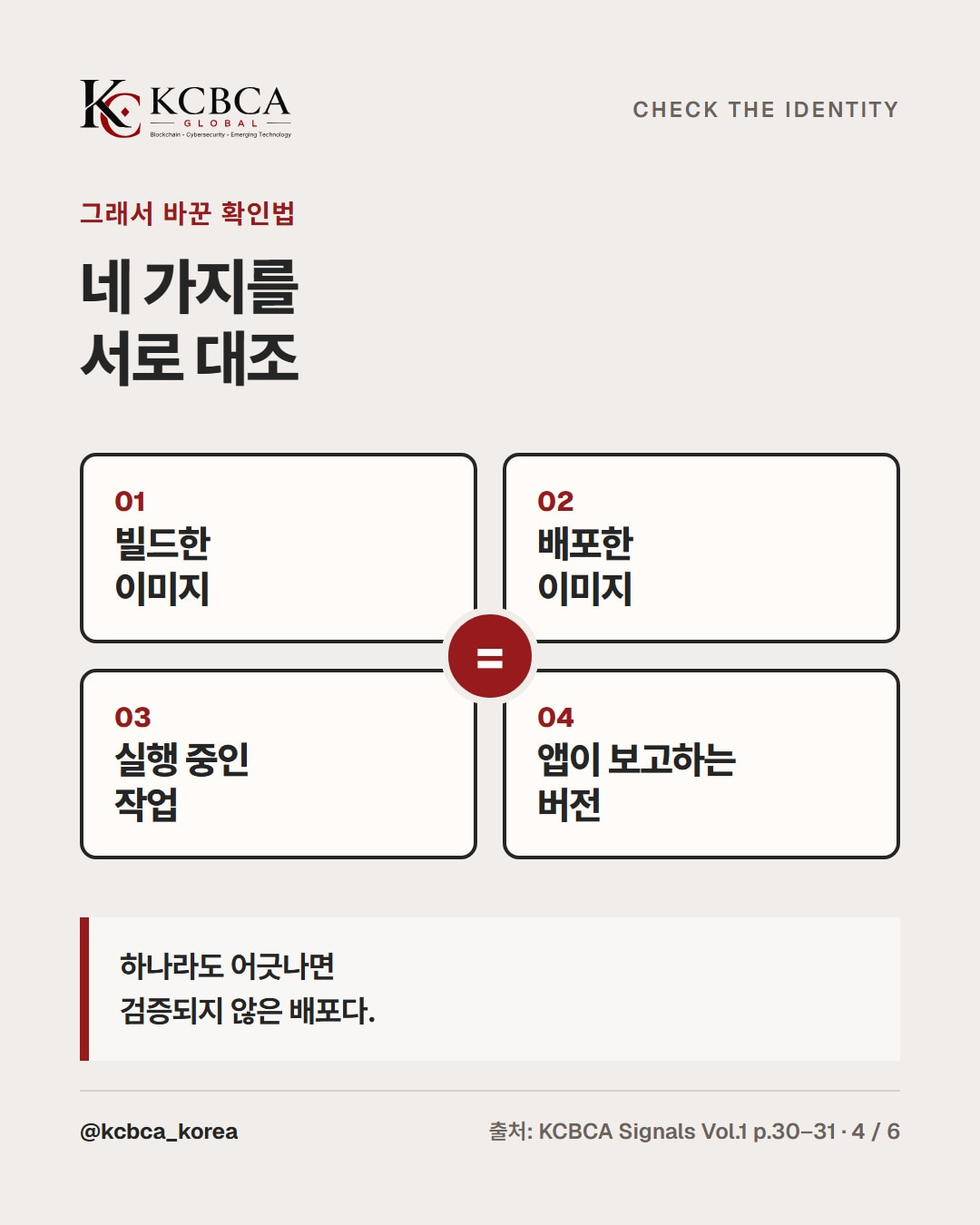
After that, a new tag and a normal response were no longer treated as evidence. The built image, deployed image, running task, and application-reported version are compared; any mismatch means the deployment is unverified (p.31). The image hash, or digest, is the criterion for determining whether images match.
Assurance documents: keep originals private and record only fingerprints
One proposal is to encrypt sensitive originals, such as security assessment reports, control access, and record only their fingerprints in an independent ledger. Later recipients can recalculate a document's value and compare it with the recorded value (p.13).
Uploading a different report under the same file name still produces a mismatch (p.14). Uses of ledgers and blockchain are discussed in detail in the October 29 article on blockchain security.
Three things a hash cannot prove
1. A document's truth and author Recording a fabricated document proves only that it remained unchanged after recording.
Bad evidence can thus be proved just as intact as good evidence (p.15). A digital signature is needed to establish who created it (p.14).
2. Whether an interpretation is correct A cryptographic fingerprint verifies matching bytes, but not the correctness of an interpretation of that material. Interpretations should therefore remain linked to originals, with later changes recorded separately (p.31).
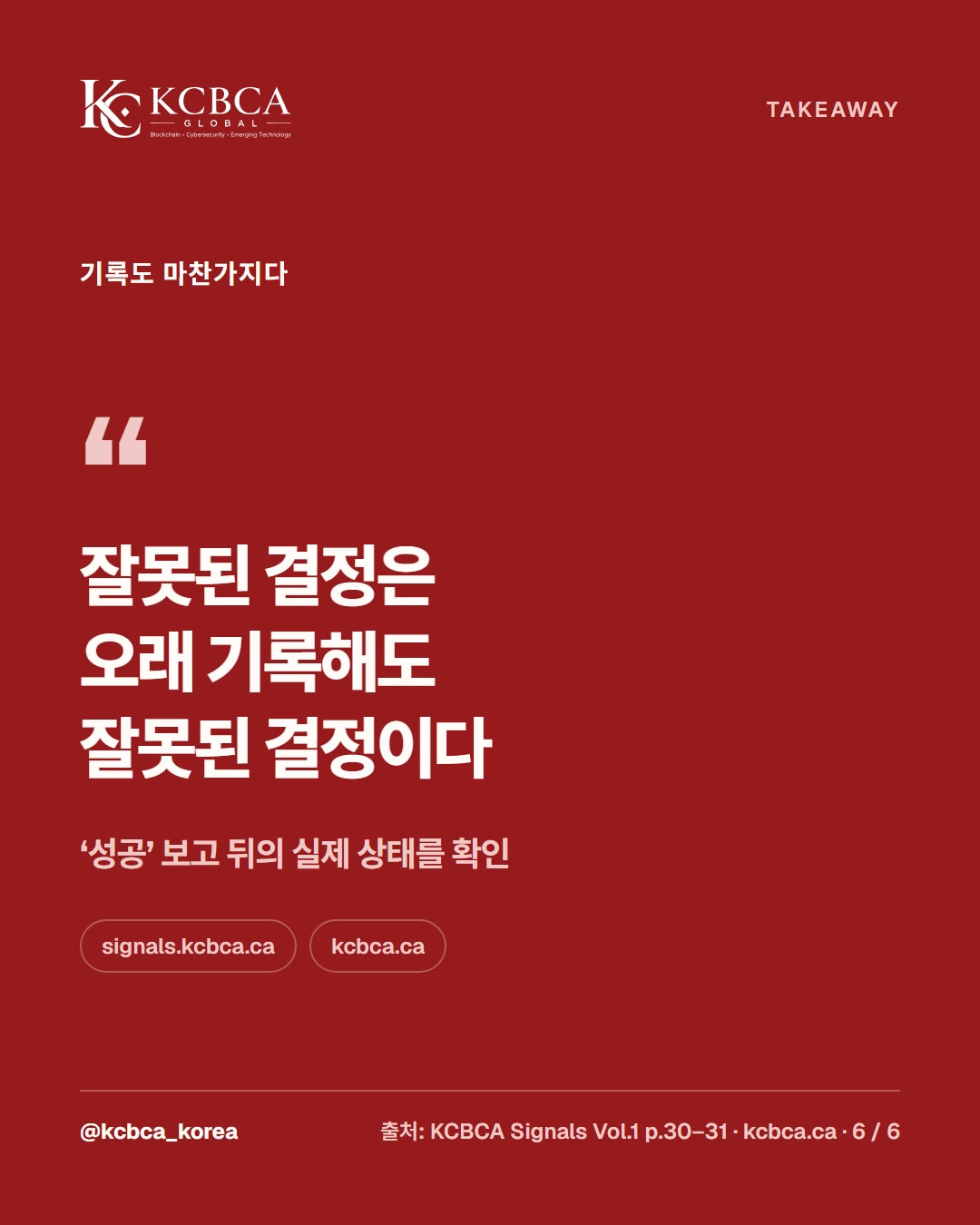
3. Whether a decision was correct Blockchain can make a shared record difficult to alter, but cannot alone prove that external inputs were true or actions were authorized. A wrong decision remains wrong however long it is recorded (p.31).
A checklist for interpreting verification results
| Situation | What the hash verifies | What needs separate checking |
|---|---|---|
| Downloaded file | Whether it matches the official release | Whether the official value came through an official channel |
| Deployed code | Whether the image matches | Compare build, deployment, runtime, and reported versions (p.30–31) |
| Reports and evidence | Whether they changed after recording | Whether the contents are true and who issued them (p.14–15) |
| Analysis and decision records | Whether the record is unchanged | Whether the interpretation and decision are correct (p.31) |
Frequently asked questions
Q. Does a matching hash mean a file is safe?
No. Matching values mean the two files have identical contents (Microsoft Learn).
They confirm a match with the official release, without guaranteeing that the file itself has no problems. The distributor's trustworthiness requires separate judgment.
Q. Are hashing and encryption different?
Yes. Encryption hides contents so only someone with the key can read them, while hashing creates a fingerprint for comparison.
It is not intended to reconstruct the original document from its fingerprint. They can be used together by encrypting originals and recording only fingerprints (p.13).
Q. Does putting something on a blockchain make it authentic?
No. It shows that a document has not changed since recording, but does not establish that its contents are true (p.15). The October 29 article on blockchain security continues this discussion.
At a glance
- A hash is a data fingerprint; changing even one character changes it (p.13)
- Calculate it with Get-FileHash, certutil, or shasum and compare it with the official value
- For deployments, compare build, deployment, runtime, and reported versions together (p.30–31)
- Matching bytes and correct contents or interpretations are separate matters (p.15, p.31)
For a deeper discussion of hashes and proof, consult the KCBCA Signals report.
Read KCBCA Signals Vol.1 Issue 1
References: KCBCA Signals Vol.1 Issue 1; Anthony Green (Managing Partner, Greenhat Assurance; Director, KCBCA GLOBAL) p.13–15; Ted Kim (CEO, Shorti) p.30–31; Commands: Microsoft Learn (Get-FileHash, certutil), shasum manual